
1) iPhone → Mac
Steps
Connect iPhone & Mac to the same Wi-Fi.
On Mac, go to System Settings → AirPlay & Handoff → Allow AirPlay.
On iPhone, open Control Center.
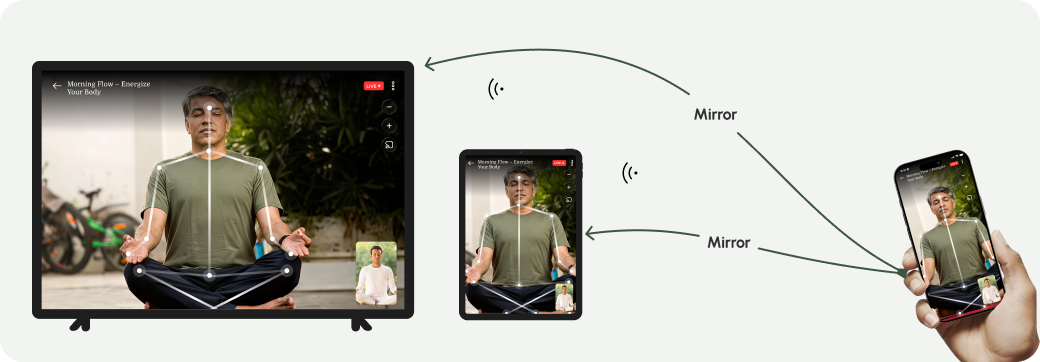
Tap Screen Mirroring.
Select your Mac.
2) iPhone → Apple TV
Steps
Connect iPhone & Apple TV to same Wi-Fi.
Open Control Center on iPhone.
Tap Screen Mirroring.
Select Apple TV.
3) iPhone → Android TV
Steps
Using Air Play
Install Air Play from Google Play on Android TV.
Open Air Play → Settings → Services.
Enable AirPlay.
On iPhone → Control Center → Screen Mirroring.
Select device name.
4) iPhone → Windows Laptop
Steps
Install AirPlay – Screen Mirroring on Windows.
Connect iPhone & Windows to same Wi-Fi.
On iPhone → Screen Mirroring → Choose device.